
Accessibility

What Is Digital Accessibility?
Digital accessibility means creating websites, applications, and documents that everyone can use, including people with disabilities. At the UNC System Office, this ensures access for students, employees, and the public who use assistive technologies.
Digital accessibility should account for a wide range of user needs, including:
- Visual impairments – blindness, low vision, color blindness (require screen reader compatibility, high contrast, alt text).
- Hearing impairments – deaf or hard of hearing (require captions and transcripts for audio and video).
- Mobility or motor limitations – limited hand movement, paralysis, tremors (require full keyboard navigation and accessible form controls).
- Cognitive differences – learning disabilities, ADHD, memory impairments, traumatic brain injury (require clear language, consistent navigation, and simple layouts).
- Speech limitations – difficulty speaking or using voice-based systems (require non-voice interaction options).
- Neurological conditions – seizure disorders or sensory sensitivities (require avoiding flashing or flickering content).
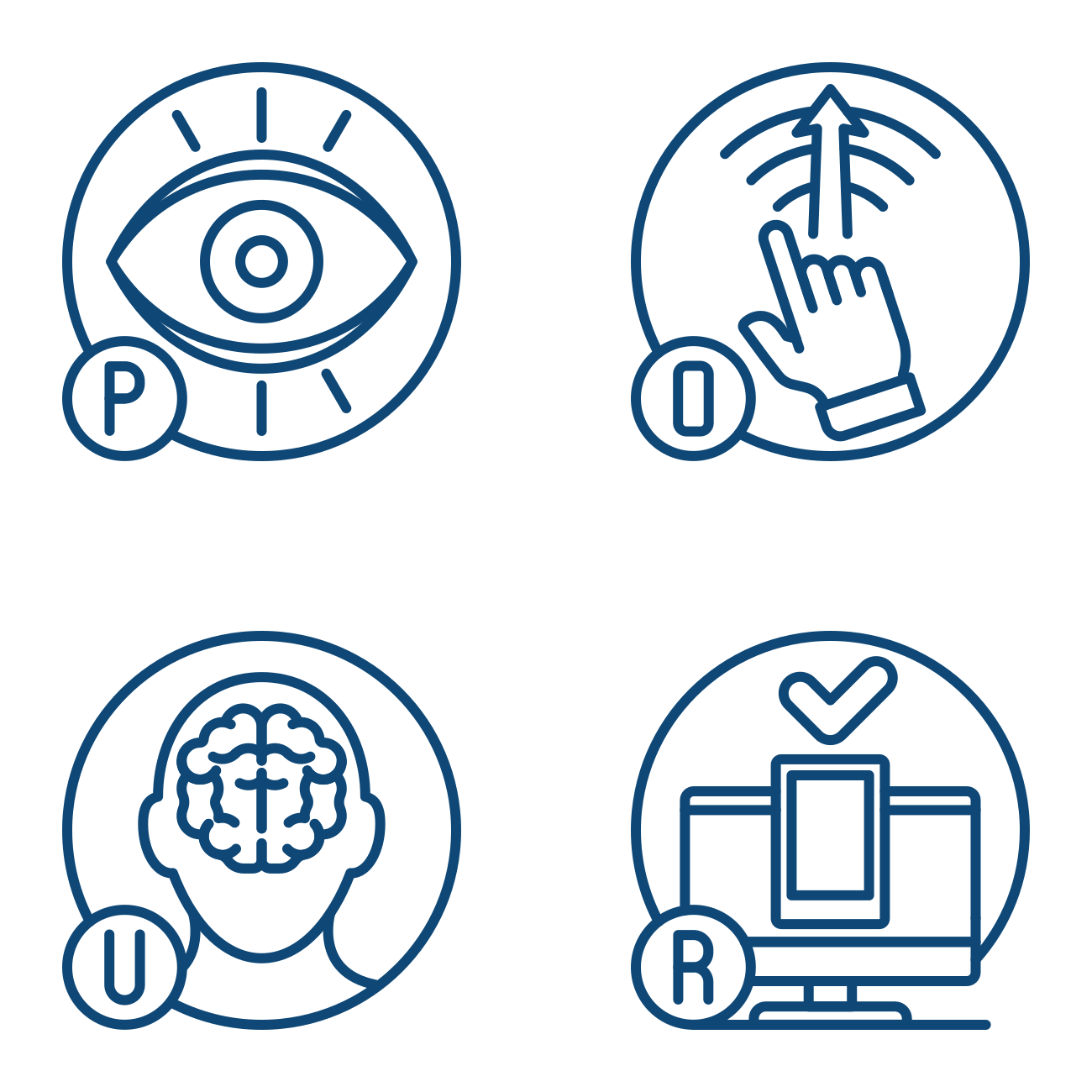 Guided by the POUR Principles
- Perceivable: Information must be presented in ways that all users can perceive.
- Operable: Users must be able to navigate and interact with content.
- Understandable: Content and interfaces must be clear and predictable.
- Robust: Content must be compatible with assistive technologies.
Why It Matters
It’s the right thing to do. Everyone deserves equal access to UNC System information and services.
It improves usability. Accessible design makes content clearer and easier for all users.
It’s the law. Title II of the ADA The federal deadline has been extended by one year to April 26, 2027; however, accessibility expectations remain unchanged. Continue preparing as planned and maintain alignment with the WCAG 2.1 AA standard.
Fact Sheet: New Rule on the Accessibility of Web Content and Mobile Apps Provided by State and Local Governments
Who Is Responsible?
You are. If you create or publish digital content, it must be accessible.
How to Get Started
UNC System Office Resources
The UNC System Office has compiled a library of high-quality resources to help you ensure your web content and digital files are accessible to all.

Learn More With NCDIT
If you want to dig deeper into digital accessibility, the North Carolina Department of Information Technology (NCDIT) website outlines accessibility standards and best practices for all digital experiences, including web content and documents.